

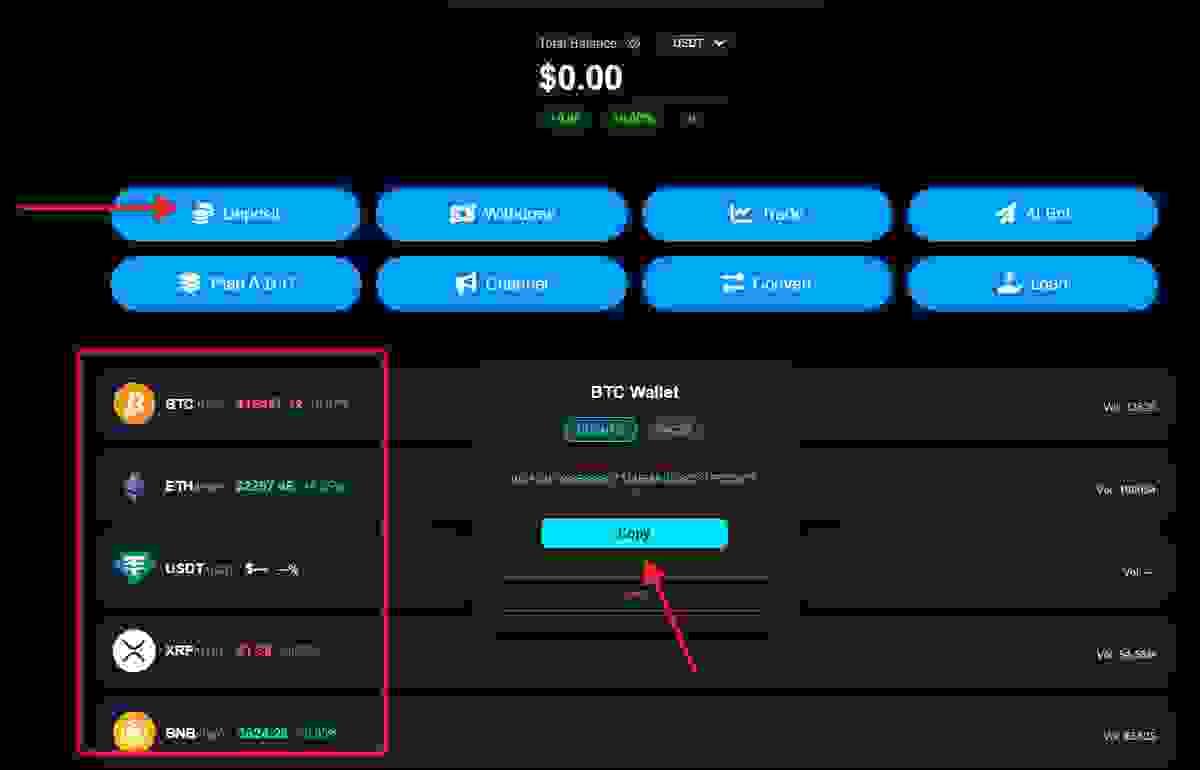
Home page
On the homepage, select the currency you want to deposit, then copy your wallet address.
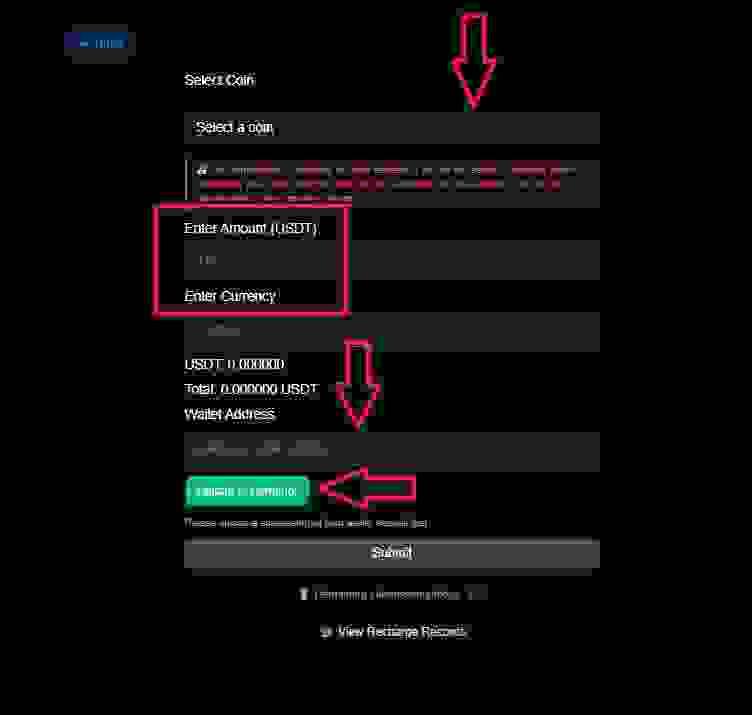
Deposit Page
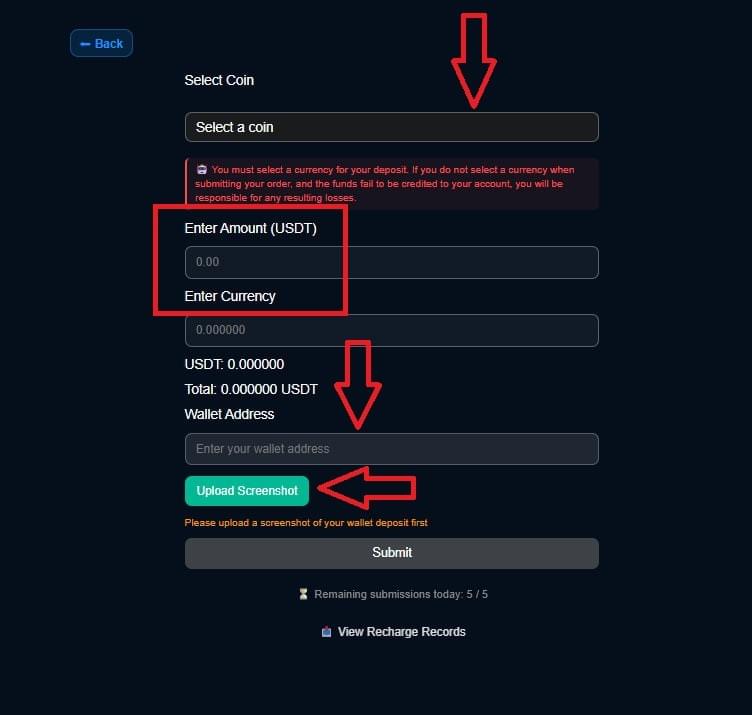
6. First, go to the homepage to obtain your wallet address (for transfers). After a successful transfer, please take a screenshot and save it. When depositing, please select the currency you successfully deposited (⚠️Note: If you do not select a currency when submitting the order, the transfer will not be completed). Enter the deposit amount. Enter the wallet address you obtained from the homepage in the "Wallet Address" field. Upload a screenshot of the successful deposit, click "Submit," and wait for the funds to arrive. You can view your deposit history in "View Deposit History."
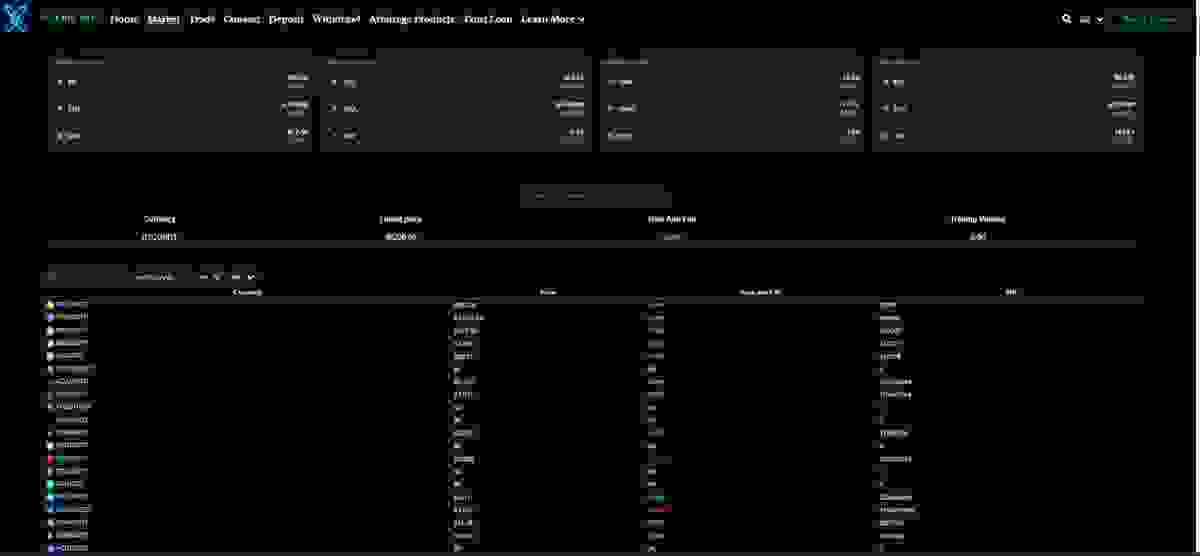
Market Page
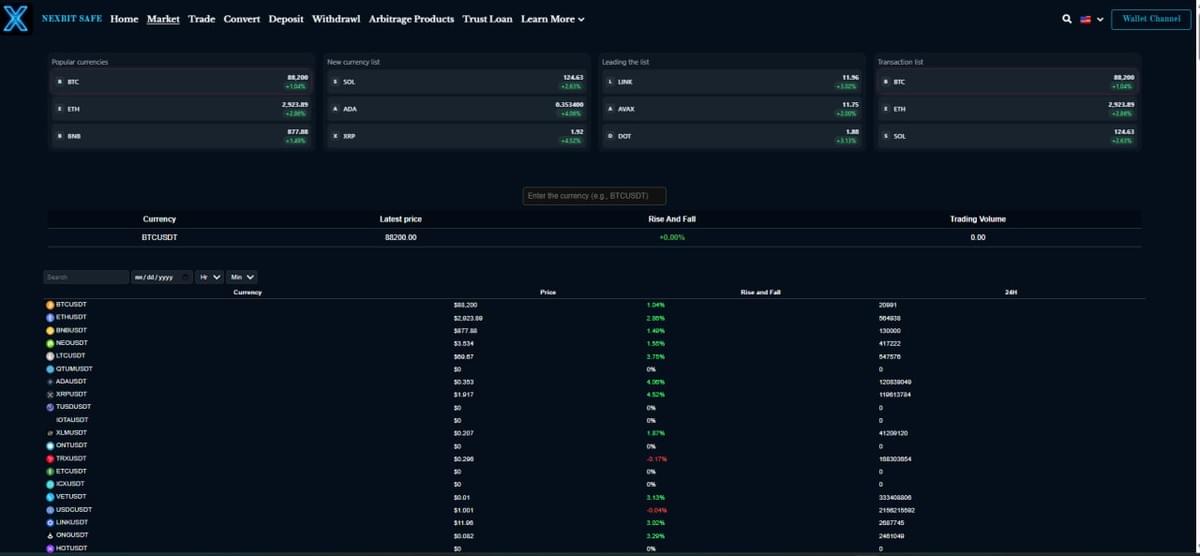
You can freely check the latest currency prices in the market, or you can check them in the channel @nexbitsafewallet
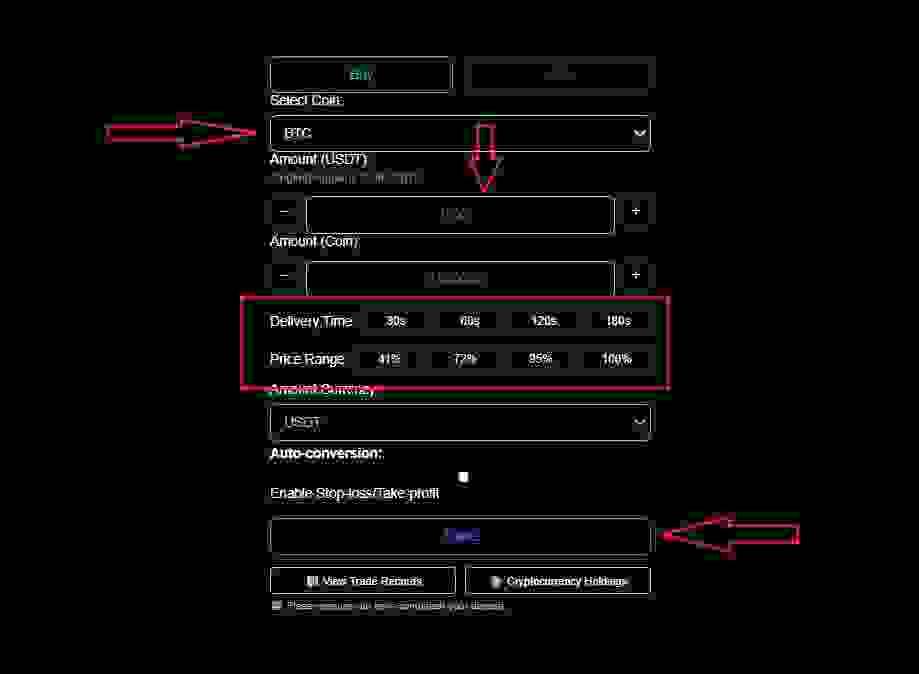
Buy-Sell Page
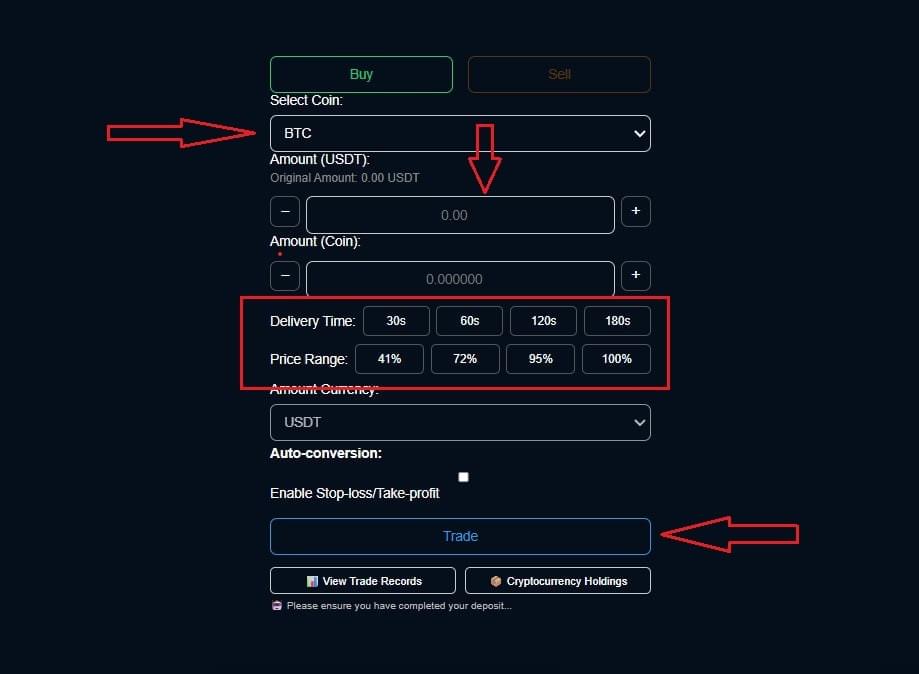
Before purchasing, you must ensure your account balance is sufficient. Once you have sufficient funds, you can select the cryptocurrency you wish to purchase. Transaction durations are as follows: 30 seconds (41%), 60 seconds (72%), 120 seconds (95%), and 180 seconds (100%). After clicking "Trade," your profit and cryptocurrency balance will increase according to the selected duration. After successful completion, you will need to wait for the selected duration to settle. Two options are provided: View transaction history (order history) and cryptocurrency holdings (this will display the purchased cryptocurrency; to sell cryptocurrency, you must first hold it before using the "Sell" function to convert it into cash).
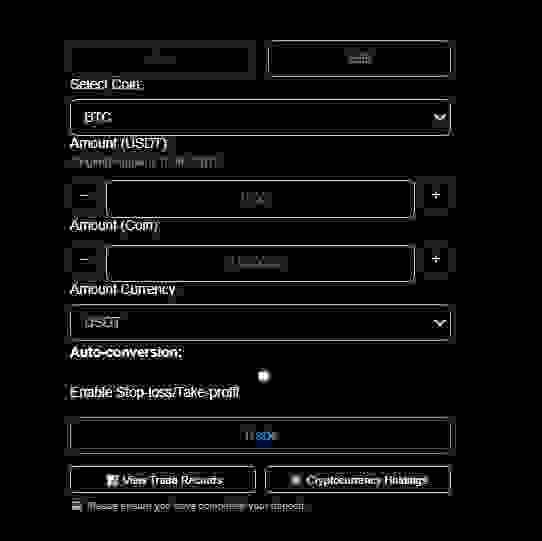
Buy-Sell Page
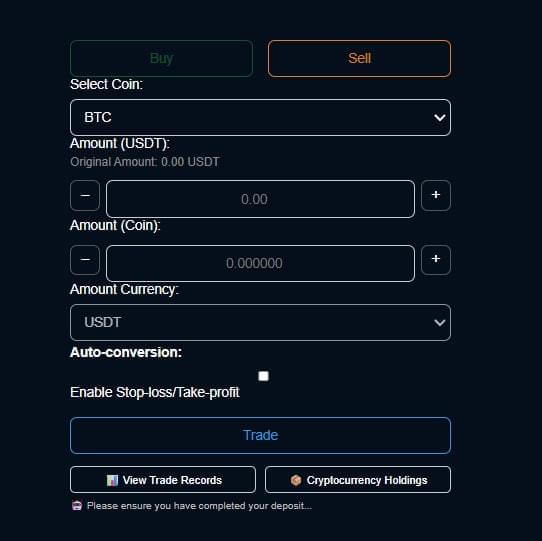
On the sell page, if you want to sell coins, you must ensure that there are enough coins in Cryptocurrency Holdings to be able to submit them normally
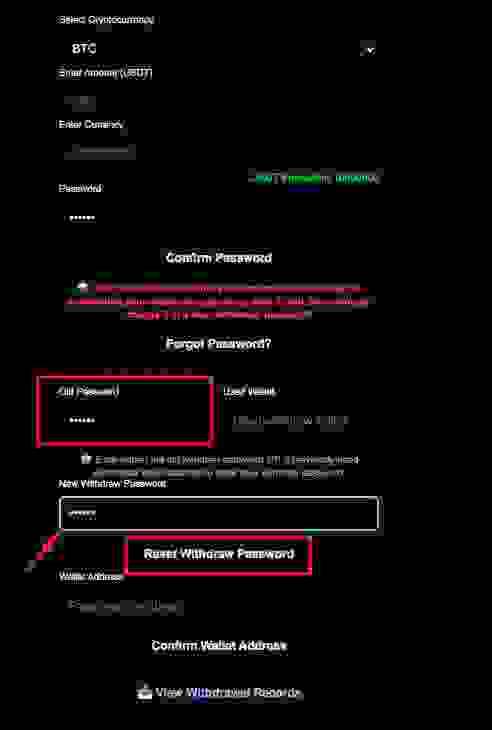
Withdrawl Page
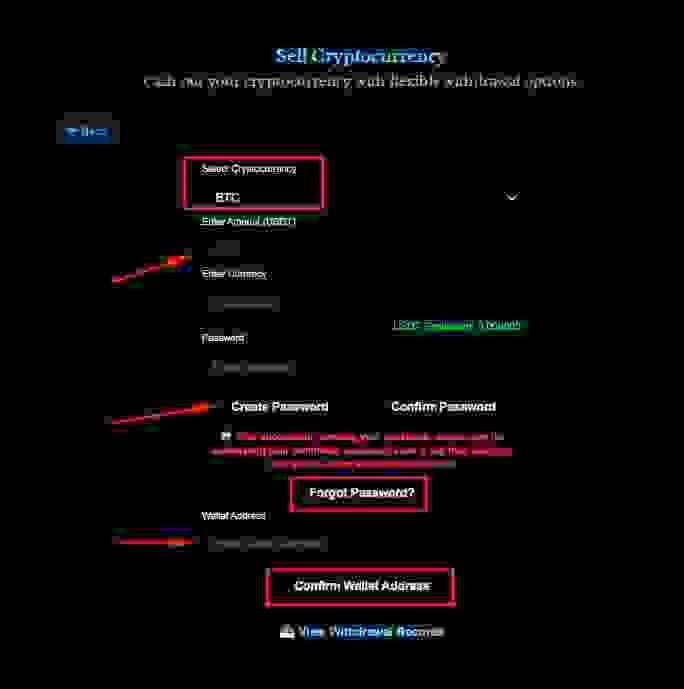
To withdraw funds, first select the currency, then enter the amount. You must first create a withdrawal password. After successfully creating the password, directly change the password in the Forgot Password section. Enter the Old Password (the password you just created), then enter the New Withdraw Password, and finally click Reset Withdraw Password to successfully reset your withdrawal password. (Note: You can only reset withdraw password once per day.)
Withdrawl Page
Arbitrage Products Page
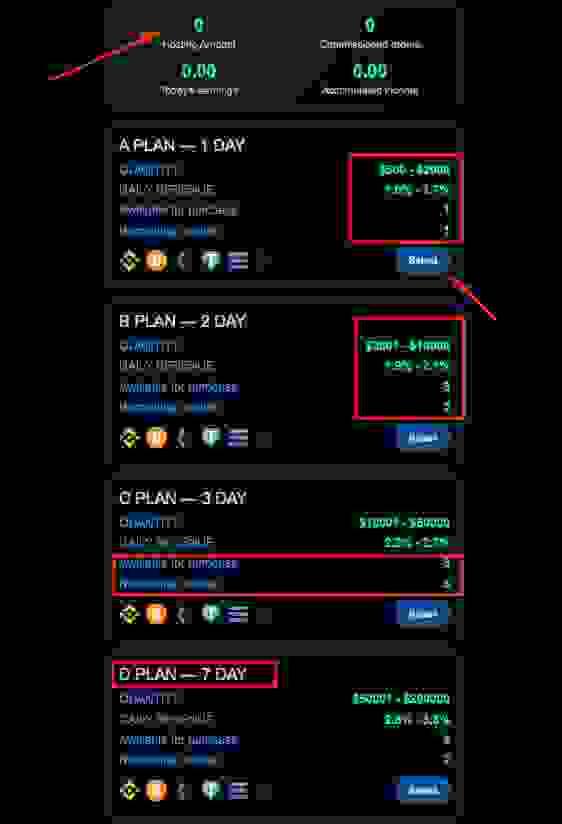
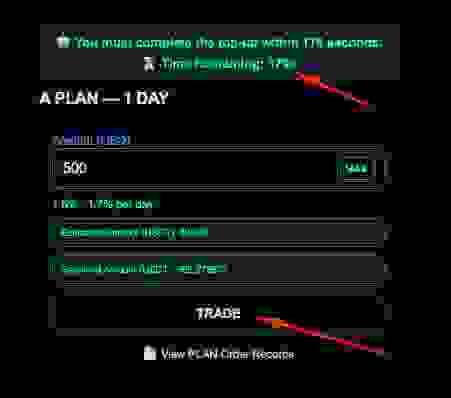
There are 6 projects. You can choose the project you want to deposit into to earn the corresponding daily interest. Each project has a limited number of transactions. For example, "Remaining number 1" can only be invested in once. The amount invested will be displayed in the Hosting Amount, which will automatically show the daily interest amount. Note: Each project must be traded within 180 seconds. The deduction amount is in USDT. You must ensure you have sufficient funds before investing.
Arbitrage Products Page
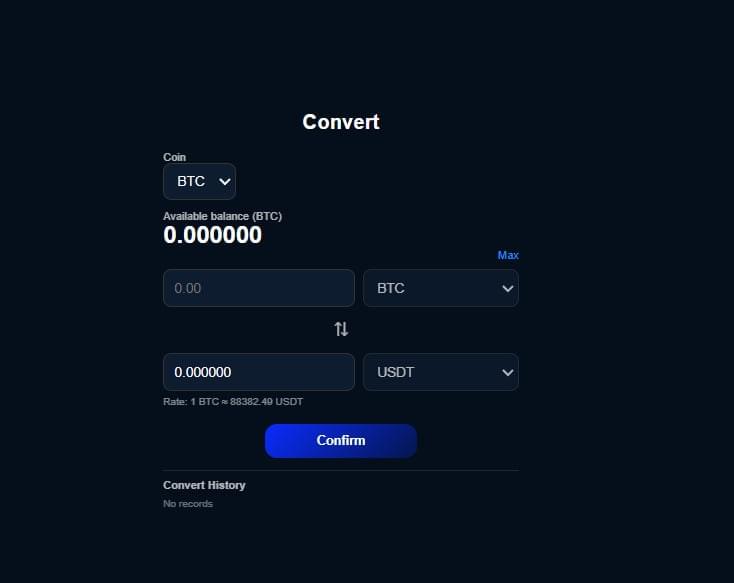
Convert(Coin=USDT)
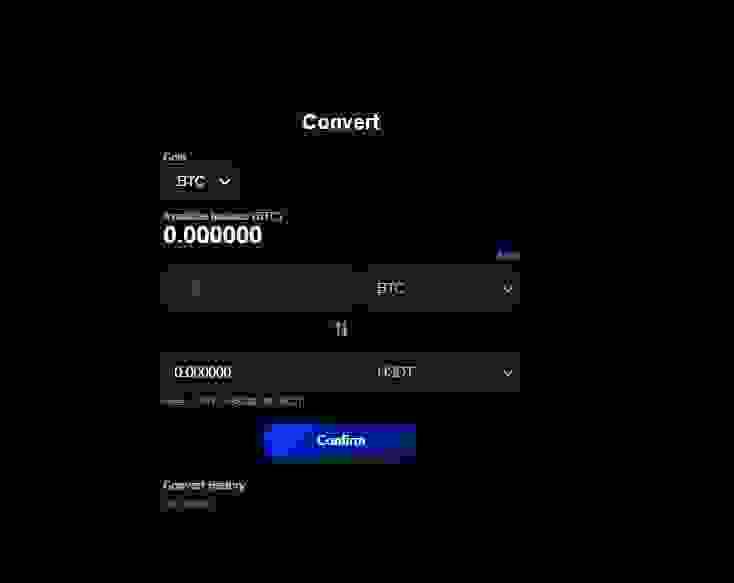
You can only exchange the currencies you own for USDT. The currency amount will be automatically calculated in USDT, but you need to click the "Confirm" button to complete the exchange (you can view the amount on the homepage).